OFFICIAL TUYA & SMART LIFE · PAKISTAN

Tuya &
Smart Life.
Made for real life.

Smart switches, digital locks and everyday routines, brought together through the Tuya and Smart Life ecosystem. Start with one useful device and build a home that works your way.

Omni Smart · Official agent in Pakistan since 2015

Start one room at a timeCheck compatibility first
TUYA SMART APP
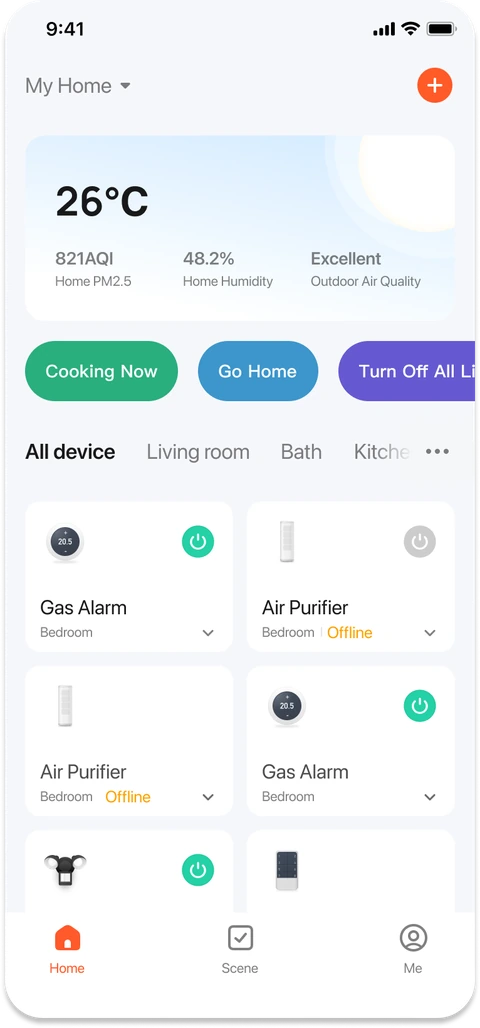
Tuya Smart app showing a home dashboard, room tabs and connected device cards
One app. Everyday control.Devices, rooms and useful routines.
App shown for illustration. Features depend on your devices.
LESS ROUTINE.
MORE LIVING.
App control
Everyday schedules
Room-by-room setup
Useful automations

ONE ECOSYSTEM. YOUR WAY.

What are Tuya
and Smart Life?

Think of Tuya as the technology behind compatible smart devices. Smart Life is one of the apps you can use to manage them.

You might see “Smartlife” on a product listing, or “Tuya Smart” in a setup guide. Don’t rely on the name alone: confirm the supported app, connection type and exact model before buying. Features vary from one device to another.

Tuya SmartSmart LifeUse the app specified in your device manual.

CONNECTED ECOSYSTEMS. EVERYDAY POSSIBILITIES.

Smart Life products.
A category for every room.

Explore real Tuya ecosystem examples.
Find your local model at Omni Smart.

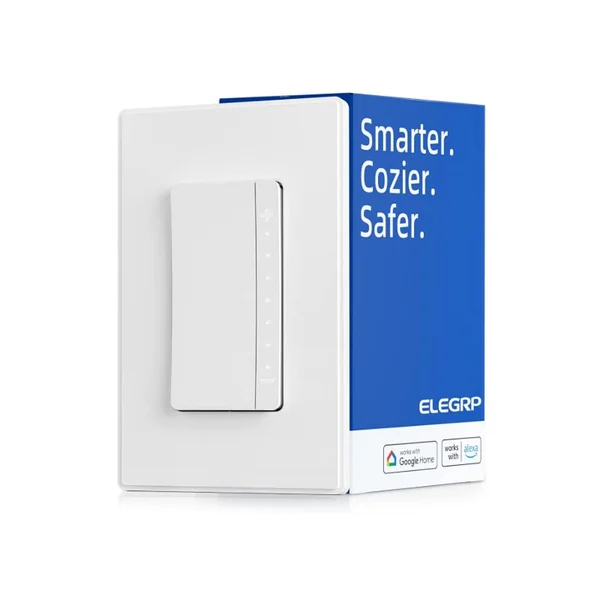
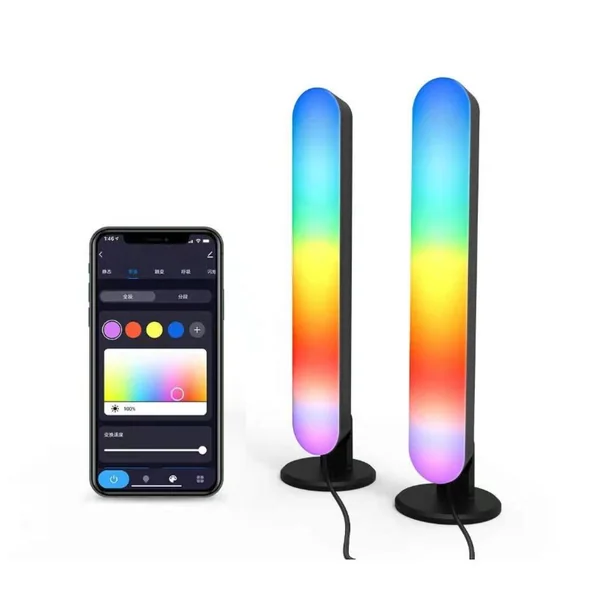
Product imagery from Tuya’s official product cases. These are ecosystem examples, not a list of locally stocked models. Confirm specifications, appearance and availability in Omni Smart’s catalogue.

Comparing specific models?

Start with the brand range. Use these details when you know what your room needs.

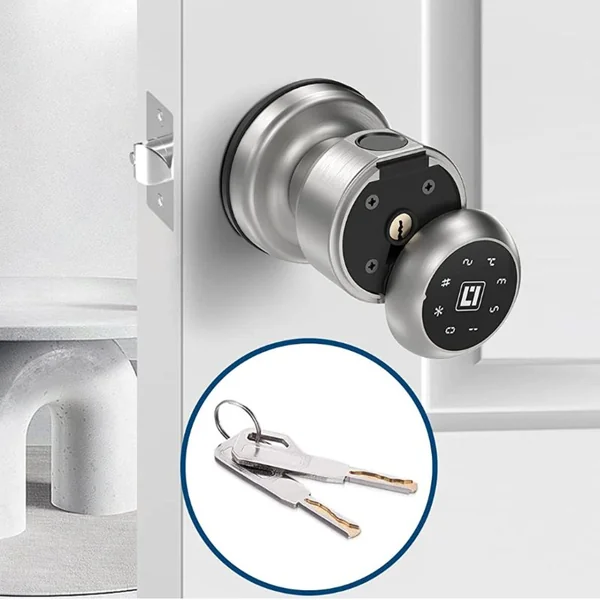
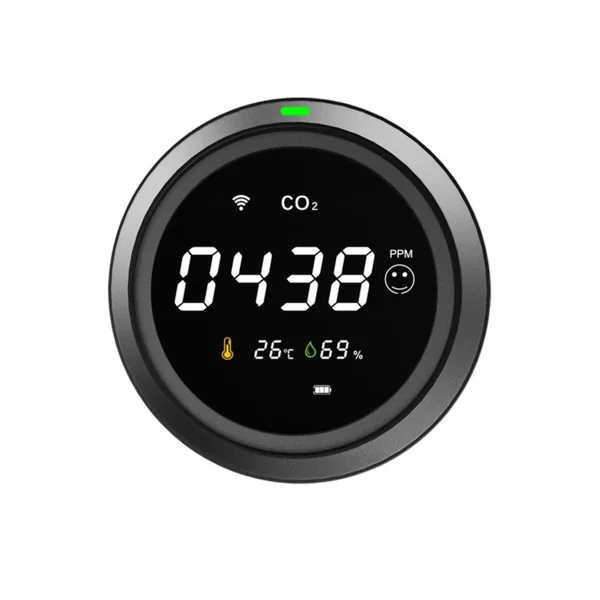
For lighting, compare Smart Life Wi-Fi switches and sockets; for access, check the Tuya smart door lock. For occupancy routines, review the Tuya human presence sensor. These links are separate from the pictured manufacturer examples.

FROM A TAP TO A ROUTINE

Your day.
On your settings.

A Smart Life routine can start with a tap, a schedule or a supported sensor. You decide what happens next.

  1. 01

    Choose a compatible device

    Check the supported app and whether it uses Wi-Fi or needs a compatible gateway.

  2. 02

    Pair it with the specified app

    Follow the model’s pairing instructions. Many Wi-Fi devices need a 2.4 GHz network.

  3. 03

    Build one useful scene

    Try “Evening”: turn on a compatible lamp, then test it. Add more devices only when you need them.

AN EVENING, MADE SIMPLE ILLUSTRATIVE DEMO

One tap. A warmer welcome.

Concept animation, not a recording of the Tuya or Smart Life app. Actions require compatible devices and suitable connectivity.

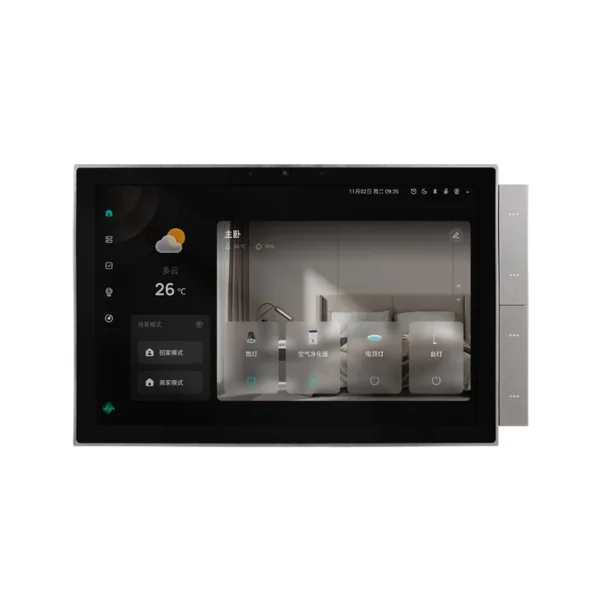
A wall-mounted smart home controller from Tuya’s product case showcase
Tuya ecosystem example. Local models may differ.

A PLACE FOR EVERYTHING

A Tuya home controller.
Less phone. More home.

A shared room deserves a control everyone can reach. Explore a Tuya smart control panel at Omni Smart, and check its supported devices, gateway functions and installation requirements before building your setup around it.

Browse the Tuya catalogue

KNOW WHAT YOU’RE CONNECTING

Tuya & Smart Life.
The technology, explained.

Start with the feature you need.
Then check the exact device and setup.

01 / CONNECTIVITY

Wi-Fi & Zigbee

Many Wi-Fi models connect to your router. Zigbee devices use a different connection and need a compatible gateway for Tuya or Smart Life app control. Confirm the gateway’s supported devices before mixing brands.

Check: radio type, gateway model and local controls.

Browse Zigbee automation devices
02 / INTEROPERABILITY

Matter, with a clear plan

Matter is a smart-home interoperability standard, not another name for Zigbee. Choose a Matter-certified model and a compatible controller; check which functions your chosen ecosystem supports. A Tuya app logo is not proof of Matter support.

Check: certification, controller and supported features.

Explore Matter smart home devices
03 / VOICE CONTROL

Amazon Alexa & Google Home

Supported Tuya and Smart Life devices can work with Amazon Alexa and Google Home/Google Assistant through configured integrations. Device discovery does not guarantee every function is available by voice. Ask about the commands you actually need.

Check: supported assistant, account linking and commands.

Compare smart home speakers
04 / ROOM CONTROL

Home controller or gateway?

A home controller puts rooms and scenes on a shared screen. Some Tuya control panels also include Zigbee gateway functions; others do not. Confirm device capacity, supported protocols and whether routines need the cloud.

Check: gateway functions, installation and offline behaviour.

View the Android smart wall panel
05 / BIOMETRIC ACCESS

Face & palm recognition

Selected smart-lock solutions support face recognition or palm-vein recognition. These need dedicated hardware—not just a Tuya connection. Compare the recognition method, backup access and biometric-data handling on the exact lock. The linked category is for face-recognition locks; confirm palm recognition separately on the chosen model.

An ecosystem capability is not a feature of every local model.

Browse face-recognition door locks
06 / AI DEVELOPMENT

Agentic AI, without the hype

Tuya’s AI Agent development platform lets developers connect large-model applications to smart-device controls. Agentic AI is a development capability, not an automatic feature in every Smart Life device. Ordinary schedules and scenes do not need an AI agent.

Ask what the feature does, which data it uses and how actions are controlled.

Official technical references Reviewed 1 October 2026

These references describe platform capabilities and example solutions, not local stock or universal device compatibility.

GET THE BASICS RIGHT

A smarter purchase
starts with a few checks.

Same app doesn’t mean every device
has the same features.

01

Connection & gateway

A Wi-Fi device and a Zigbee device connect differently. Confirm the exact network requirements and whether a compatible gateway is needed.

02

Fit & electrical load

Measure the wall box or door hardware. Check voltage, current and load type. Use a qualified electrician for mains-powered installation.

03

Life when Wi-Fi is down

Don’t assume app commands or cloud routines work offline. Check physical controls, lock backup access and which functions survive an internet or power outage.

START SMALL. MAKE IT COUNT.

What would you
like your home to do?

Pick a priority. We’ll point you to the relevant options at Omni Smart, where you can check current specifications and availability.

Check wiring, wall-box fit and electrical load before choosing a switch or socket.

Browse Smart Life products at Omni Smart You’ll continue to omnicloudsolutions.com. No account needed to use this guide.

GOOD QUESTIONS. STRAIGHT ANSWERS.

Before you
bring it home.

Tuya and Smart Life basics,
without the guesswork.

Are Tuya Smart and Smart Life the same app?

They are separate apps used with the Tuya ecosystem. Many devices support both, but compatibility is model-specific. Use the app named in the manufacturer’s instructions, and check before moving an existing device to another app.

Do I need a gateway for Smart Life devices?

It depends on the device. Many Wi-Fi models connect through your router, while Zigbee models require a compatible gateway. Some other protocols also require a hub. Confirm the model’s requirements; an app logo alone doesn’t tell you.

Will Tuya devices work during an internet outage?

Functions vary by model. A wall switch may retain manual control, and a battery-powered lock may retain local access, but remote app commands and cloud-dependent routines need connectivity. Ask which functions work locally and test your backup plan.

Can I use a smart plug for an AC or geyser?

Don’t choose by the advertised amp rating alone. High-load appliances and motor loads require suitable hardware, wiring and protection. Have a qualified electrician assess the appliance and installation; an ordinary plug may not be suitable.

Where can I check Tuya smart device prices in Pakistan?

Browse the Tuya or Smart Life brand ranges at Omni Smart to view current product details. Prices, stock, installation arrangements and warranty terms can change, so confirm them with Omni Smart for the exact model before ordering.

Do all Tuya devices support Matter, Alexa or Google Home?

No. The supported app, connectivity and assistant features depend on the exact model. Check Matter certification separately from Tuya or Smart Life app compatibility, and confirm the functions available in your chosen ecosystem.

Does a Tuya smart lock automatically include face or palm recognition?

No. Face recognition and palm-vein recognition require model-specific hardware. Verify the access methods, door fit, privacy controls and backup access before buying. The smart lock pictured above is an ecosystem example, not a biometric-feature promise for any linked product.

Does Omni Smart supply, install and repair smart home devices?

Omni Smart is an importer, wholesaler, distributor, installer and repair company in Pakistan. For a wholesale order, distribution enquiry, installation or repair, contact Omni Smart with your device model and location. Confirm service availability, scope and charges before making arrangements.

Is this the official Tuya or Smart Life website?

Yes. This is the official Tuya & Smart Life brand site for Pakistan. Omni Smart is the official agent in Pakistan since 2015. Omni Smart is also an importer, wholesaler, distributor, installer and repair company in Pakistan. Product links take you to Omni Smart’s catalogue on omnicloudsolutions.com for model details and current availability.

Ask on WhatsApp